01
Scripts that start strong
Develop scripts, hooks and clear calls to action around one focused creative direction.
Write scripts, plan scenes, find stock footage, generate voiceovers and prepare every caption—without losing the bigger idea.
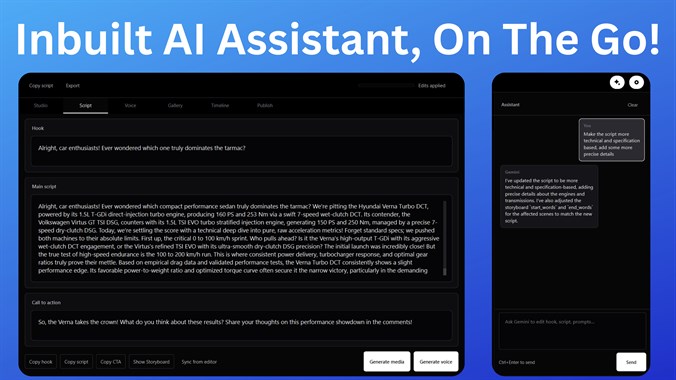
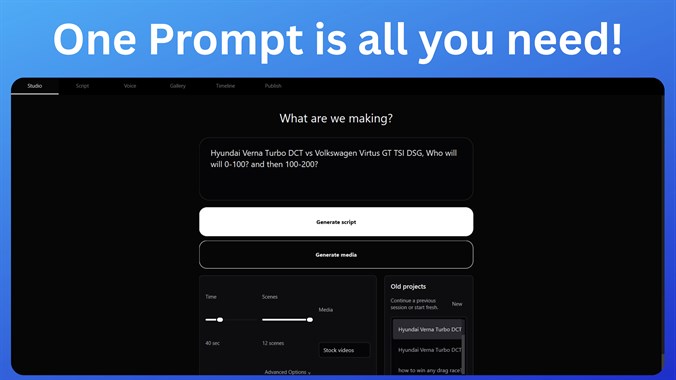
Begin with a topic and shape it into a complete creative direction for your short-form video.
One connected creator workspace
Build hooks, scripts, scene prompts, voiceovers, media plans, titles, captions, descriptions and tags in one focused Windows app.
Develop scripts, hooks and clear calls to action around one focused creative direction.
Refine the message, rewrite weak moments and improve the script without breaking your flow.
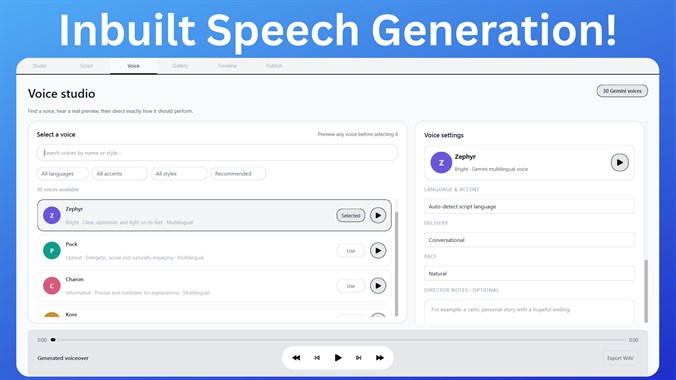
Select a voice, tune pace and delivery, seek through playback and export a ready-to-use WAV.
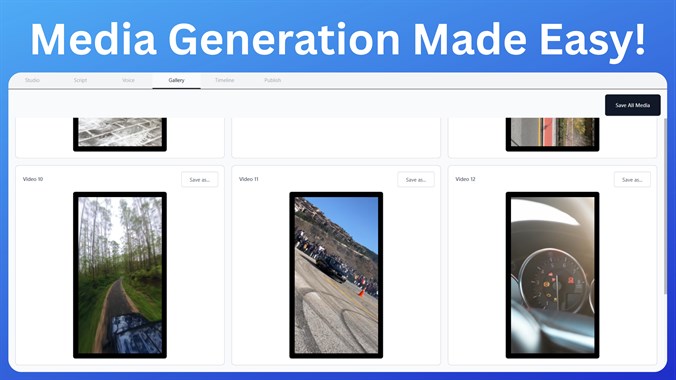
Turn scene direction into useful media searches and keep the best visual options organized.
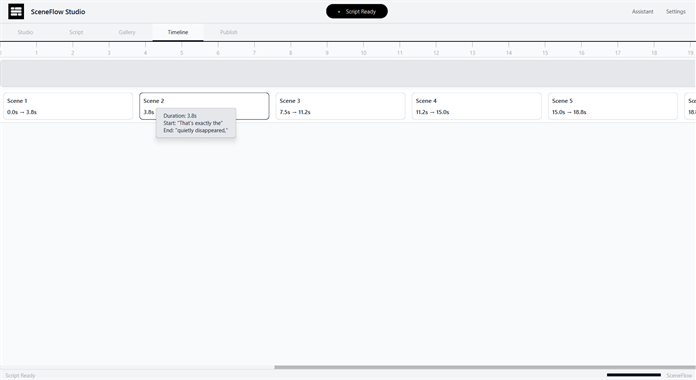
Map visual prompts, timing and creative decisions into a production-ready video plan.
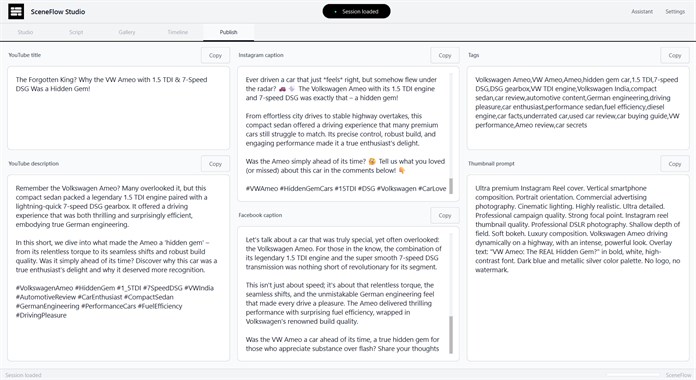
Generate titles, captions, descriptions, tags and thumbnail prompts for the channels you use.

A focused Windows workspace
SceneFlow Studio keeps your scripts, prompts, media, sessions and project history organized locally on your device. Bring supported API keys for the services you choose, while your creative workflow stays under your control.